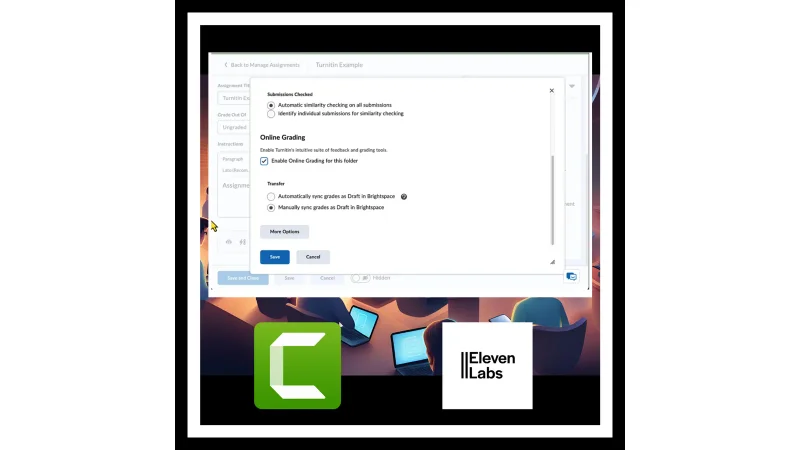
Turnitin Video Guide (2023-2024)
•Completed
Staff support
Aim
These instructional resources helped University lecturers to learn how to configure Turnitin on the Brightspace virtual learning environment. I created them during the Professional Diploma in Digital Content Development.
What I did
My work included these tasks:
- I used a needs assessment to establish whether there was an instructional gap.
- I used a learner analysis to profile potential users and establish their preferences.
- I created a step-by-step written guide and an instructional video from the resulting data.
- I used rapid prototyping, with early feedback from stakeholders, to refine the result.
- I recorded the screen with Camtasia and Snagit.
- I wrote the video script.
- I generated the voice-over with ElevenLabs.
Version 1
Note
Video to add: replace this note with the YouTube link for video-screen-capture_v2.mp4.
Version 1 video: Instructional Video on how to use Turnitin in Brightspace
Version 2
Version 2 used a different configuration of the AI voice. It also added sections, based on feedback from subject matter experts.
Note
Video to add: replace this note with the YouTube link for Using-Turnitin-in-Brightspace_default-2.mp4.
Version 2 video: Instructional Video on how to use Turnitin in Brightspace
Skills and tools
- Skills: needs assessment, learner analysis, and rapid instructional design and prototyping.
- Tools: Camtasia 2024, Snagit 2024, and ElevenLabs.