Brightspace Video Guide (2023-2024)
Aim
The University of Limerick moved to Brightspace as its virtual learning environment (VLE). The VLE project team had the task of helping lecturers to migrate their content from Sulis and Moodle to Brightspace.
Lecturers received content page templates and added their own content to them. They wanted to reuse those pages across different units and weeks, without creating them again from scratch.
The Manage Files tool lets instructors copy and paste files and folders, but it is not obvious how to reuse those files across units. The Course Builder tool can add content from Manage Files to different units.
What I did
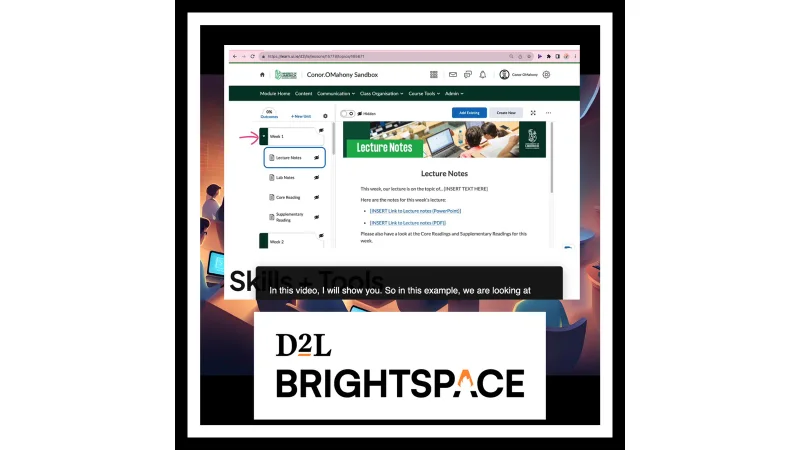
As an Instructional Designer at the University of Limerick, I created an instructional video. It showed lecturers how to use the Manage Files and Course Builder tools to reuse their own templates across different units.
Below is an excerpt from the video.
Video to add: replace this note with the YouTube link for Manage_files.mp4.
Skills and tools
- Skills: instructional design, teaching and learning, one-to-one training, virtual learning environments, learning management systems, video editing, technical writing and communication, work with subject matter experts, online collaboration, and remote working.
- Tools: Brightspace, Panopto, Microsoft Teams, Microsoft 365, Canva, Snagit, and Camtasia.